Windows Phone 8 handling of WPAppmanifest.xml has changed in Visual Studio 2012
Last year, I blogged about an interesting build error that I had noticed in a Windows Phone 7 application that I was creating. This error circled around a problem that occurred when you had a very long name in the author property within the WMAppManifest.xml file. The error that was reported in the Error Window was fairly cryptic:
“Manifest validation failed: AppManifestInvalidAuthor”
But after a bit of googling, I was able to find out what the problem was. In all honesty, it was a very rare error, and it came down to a naming convention that I was using for a set of sample applications that I was creating, however, it was still slightly annoying!
Things are better in Visual Studio 2012
I am happy to report, that things have improved, a lot, in this area within Visual Studio 2012. Firstly, you don’t have to edit the WMAppManifest.xml file by hand. Visual Studio 2012 now includes a designer that sits on top of this XML file, as shown here:
This editor exists for both Windows Phone 7.1 and Windows Phone 8.0 applications. You can of course continue to edit the XML directly (if you are that way inclined):
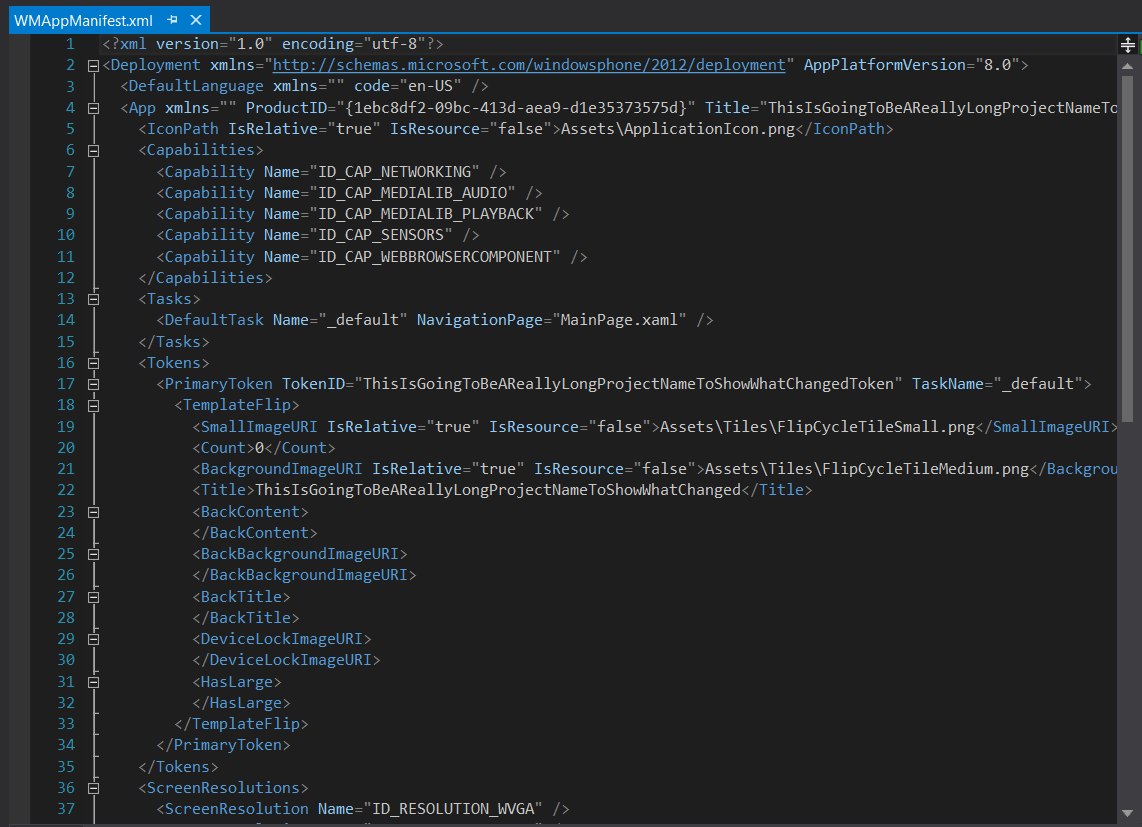
But doing so means that you lose the ability to get immediate feedback on the state of your WMAppManifest.xml file, as shown here:
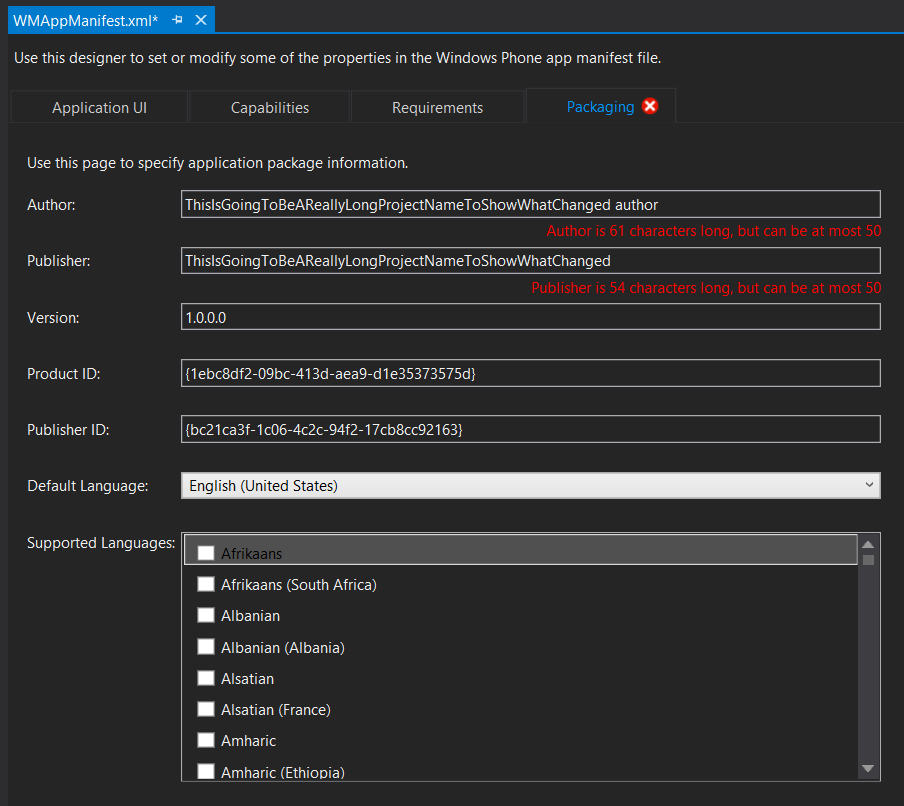
This is a really great addition to Visual Studio, and another example of how Microsoft are ensuring that the end to end development experience is getting much better. I first noticed this type of editor on top of XML files in Visual Studio 2010 when doing SharePoint development, and this is another very welcome addition!